
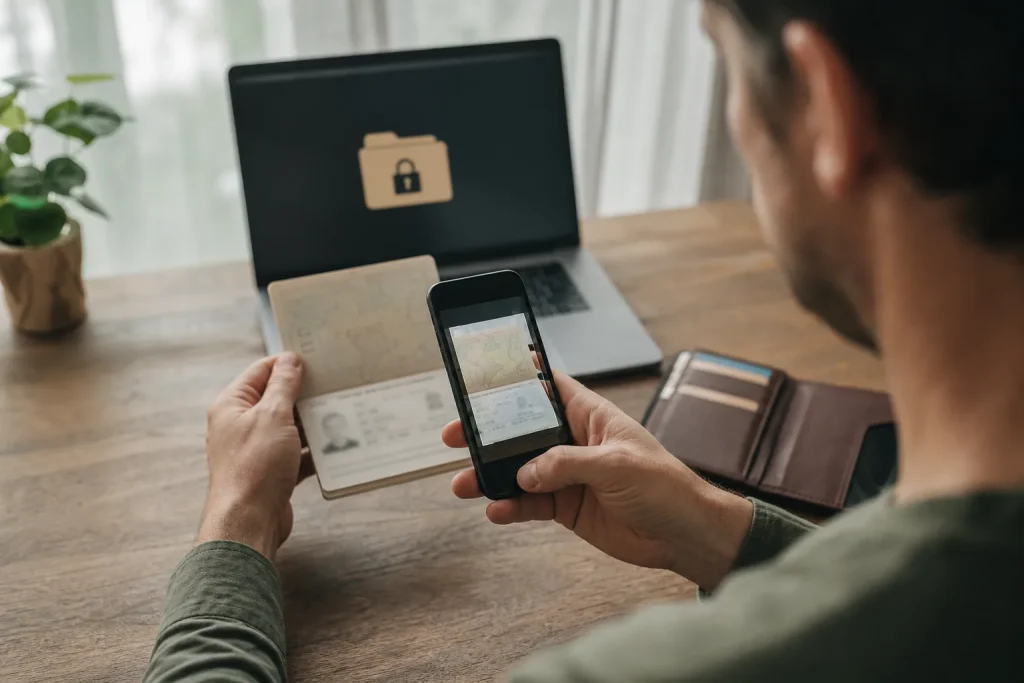
Digital copies of documents only serve if they are readable, updated and accessible when the phone or connection does not cooperate.
Photographing the document and leaving it in the gallery is not a real backup. The file can end between thousands of images, synchronize without protection or stay stuck in the lost phone. A useful system provides at least two separate access modes, clear names and consistent protection with data sensitivity.
What documents to duplicate
Create legible copies of identity, insurance, essential tickets, any prescriptions and contacts. Do not store more data than necessary. Check that all angles are visible and that numbers and dates are read without excessive zoom. Update files when you renew a document or change policies.
A practical method to apply
Save a encrypted copy in a reliable service and an offline version protected on your device. Share only what you need with a trusted person, using a secure channel. Give neutral but recognizable names to files and test access in air mode before leaving.
- Readable scan: controls edges, reflections, numbers and expiry date.
- Two accesses: keep a copy offline and a remote protected.
- Protection: use device lock, robust password and encryption available.
- Test: Open files without network and check how to recover them from another device.
Errors that complicate everything
Sending documents to yourself with explicit object or leaving them in public folders increases exposure. Also relying on an app with authentication linked to the same phone creates a unique fault point. Remember that a copy facilitates the procedures, but does not automatically replace the original.
The choice that really works
The best system is what you can maintain: few updated files, two accesses and clear protection. Dedicate ten minutes to check before each departure. In a stressful situation, knowing exactly where to find information reduces errors and lost times.